
WHAT'S NEW
Back to School Edition
August 16, 2026
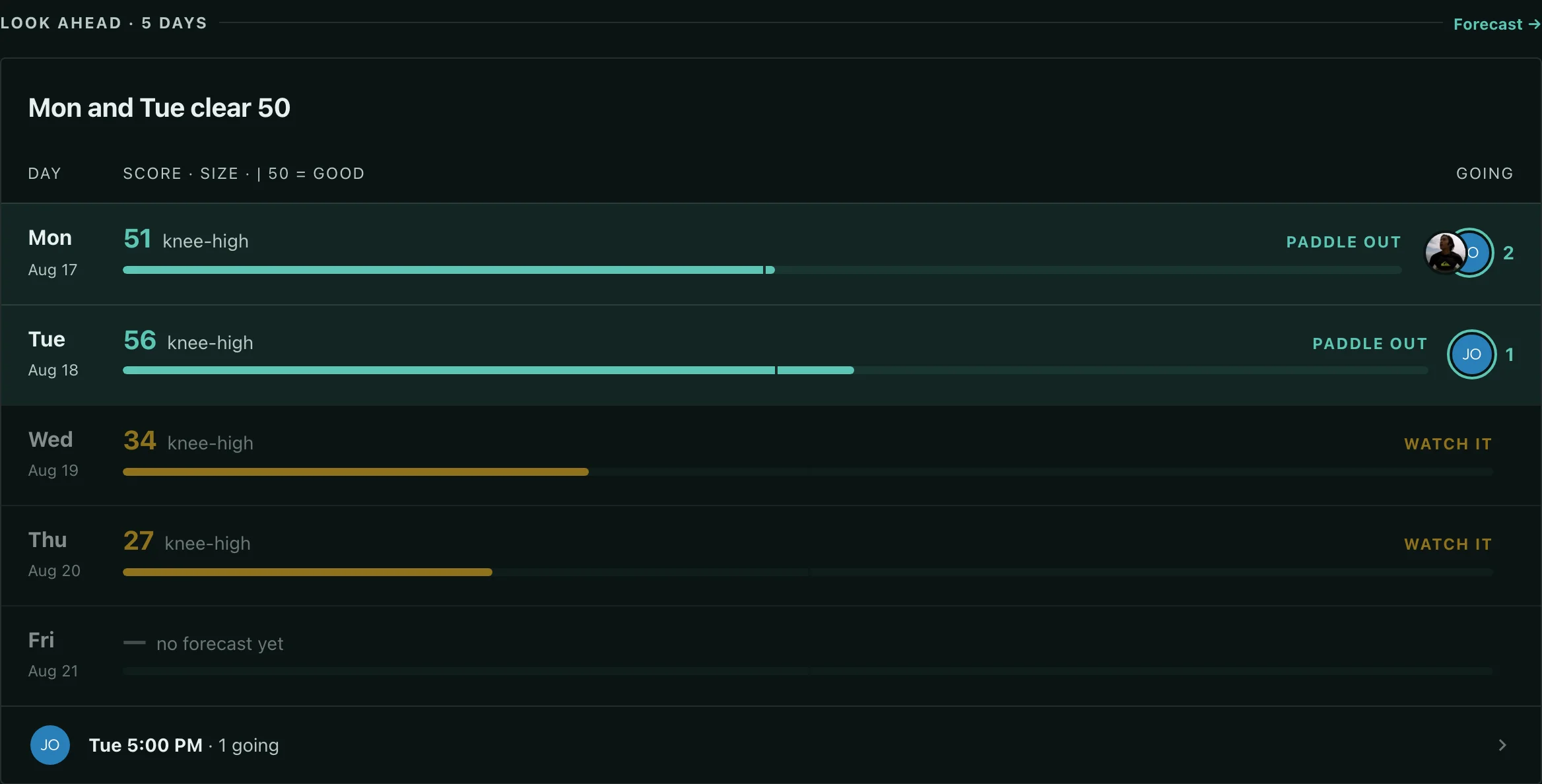
Look Ahead
The next five days now sit at the bottom of your home screen — each day's score at your spot on the left, who's already going on the right. Tap either side to open the day. Plan the week without opening a single page.
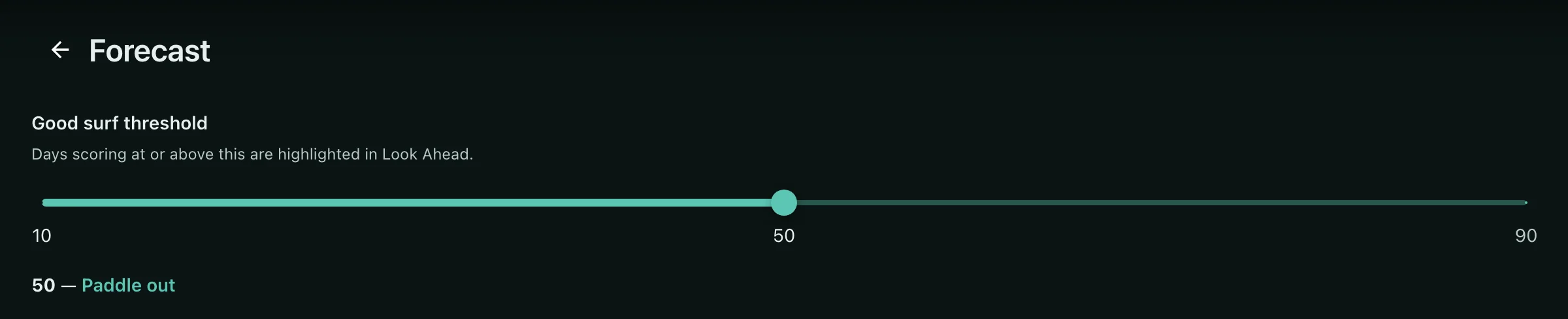
Your Bar
Good surf means something different to everyone. Set the score that counts as worth paddling out for you, and Look Ahead marks the days that clear it. Your bar, not ours.
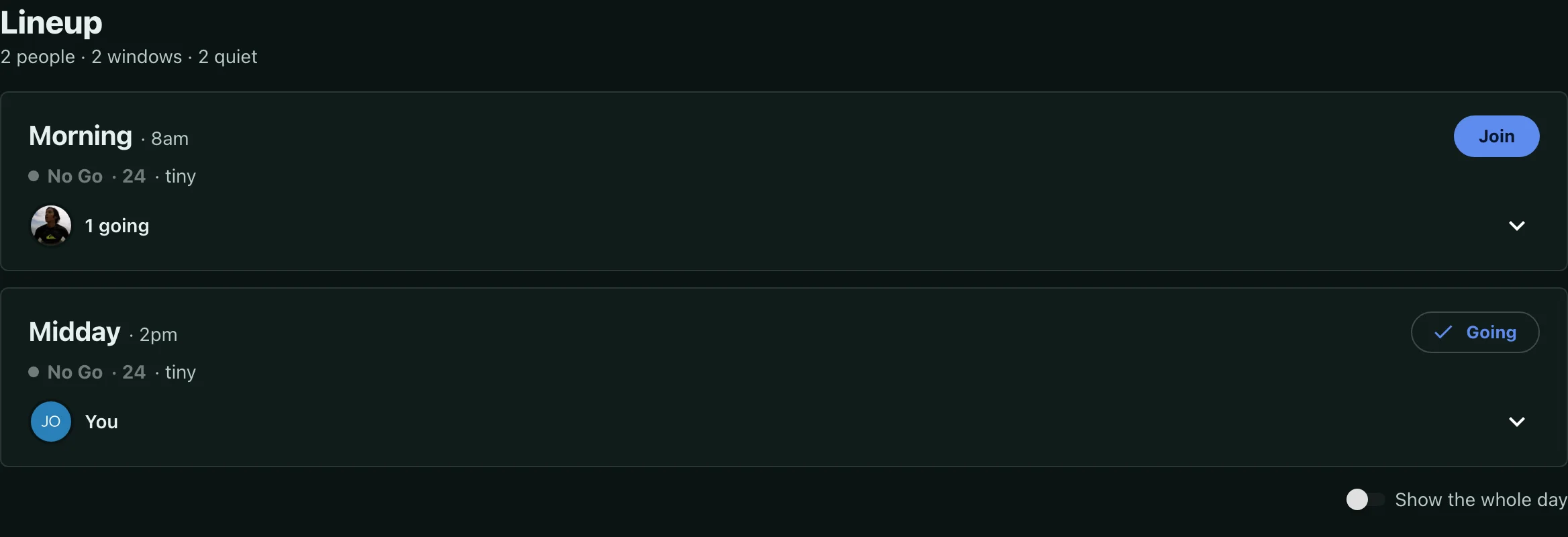
Dayparts
The lineup now reads by time of day — dawn patrol, morning, midday, evening — instead of a flat list of clock times. You can see when your crew is actually in the water at a glance, and where the day is still quiet.
One Swipe
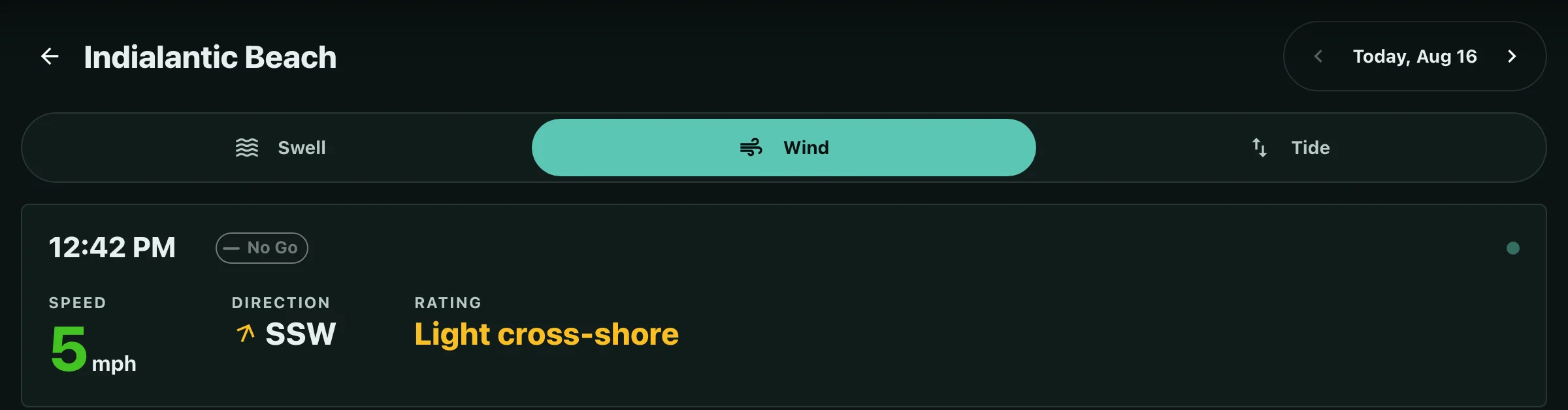
Wind, swell and tide are one tap apart now, and a date stepper moves you through the week without backing out to the forecast. The day you picked follows you from screen to screen.
Worldwide
Forecasts no longer stop at the US coastline. Spots beyond NOAA's reach now pull weather and tide from a global provider, and swell comes off a worldwide grid. The trip spot gets the same read as your home break.

1 / 5