
WHAT'S NEW
Swell Season Edition
September 12, 2026
Spot Checks
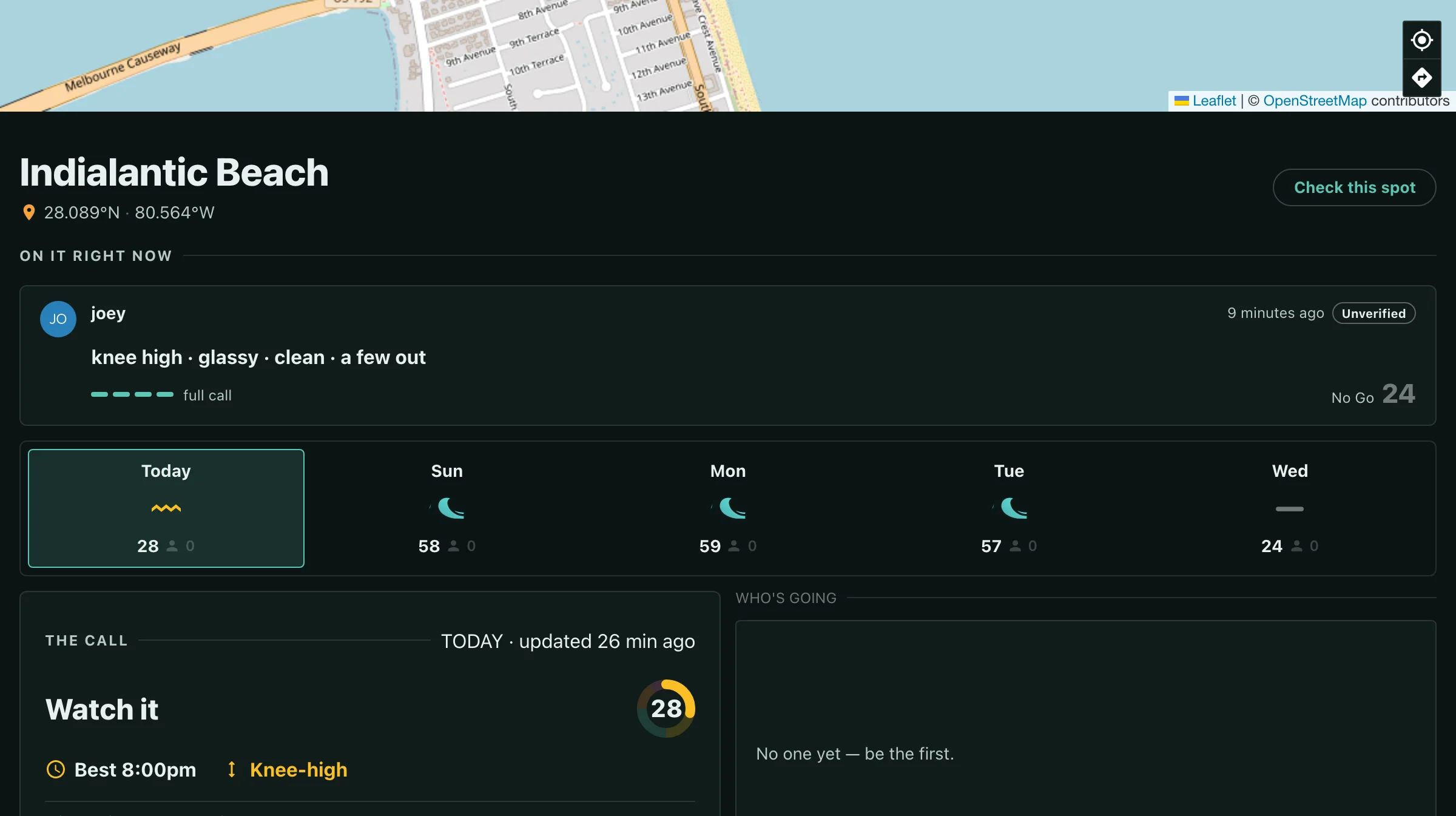
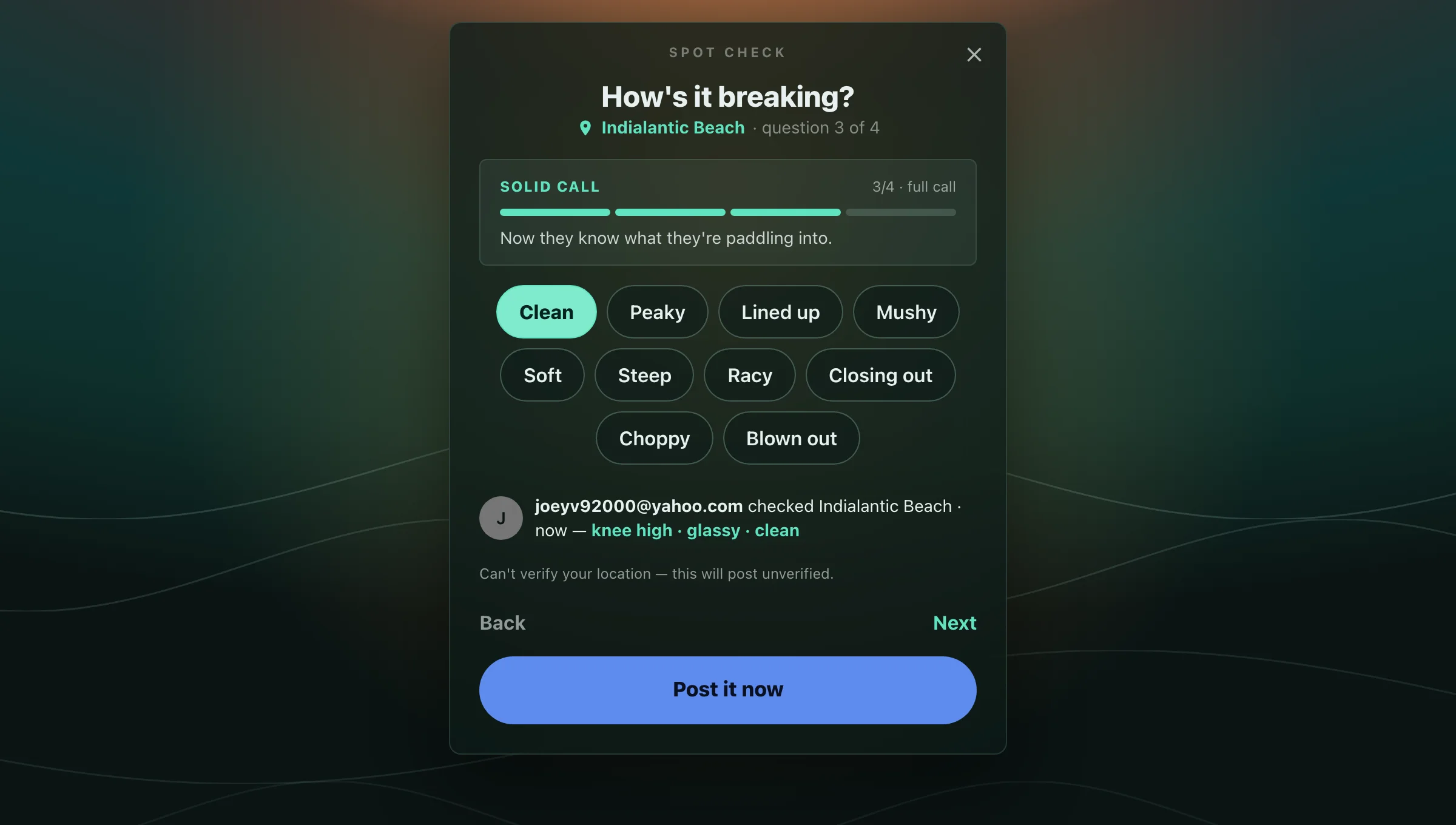
You're standing there. Tell everyone what it's actually doing — size, wind, shape, crowd — in four taps. Your read posts beside the forecast, timestamped and with your name on it, so the next surfer sees both what the model says and what someone in the water says.
Post Anywhere
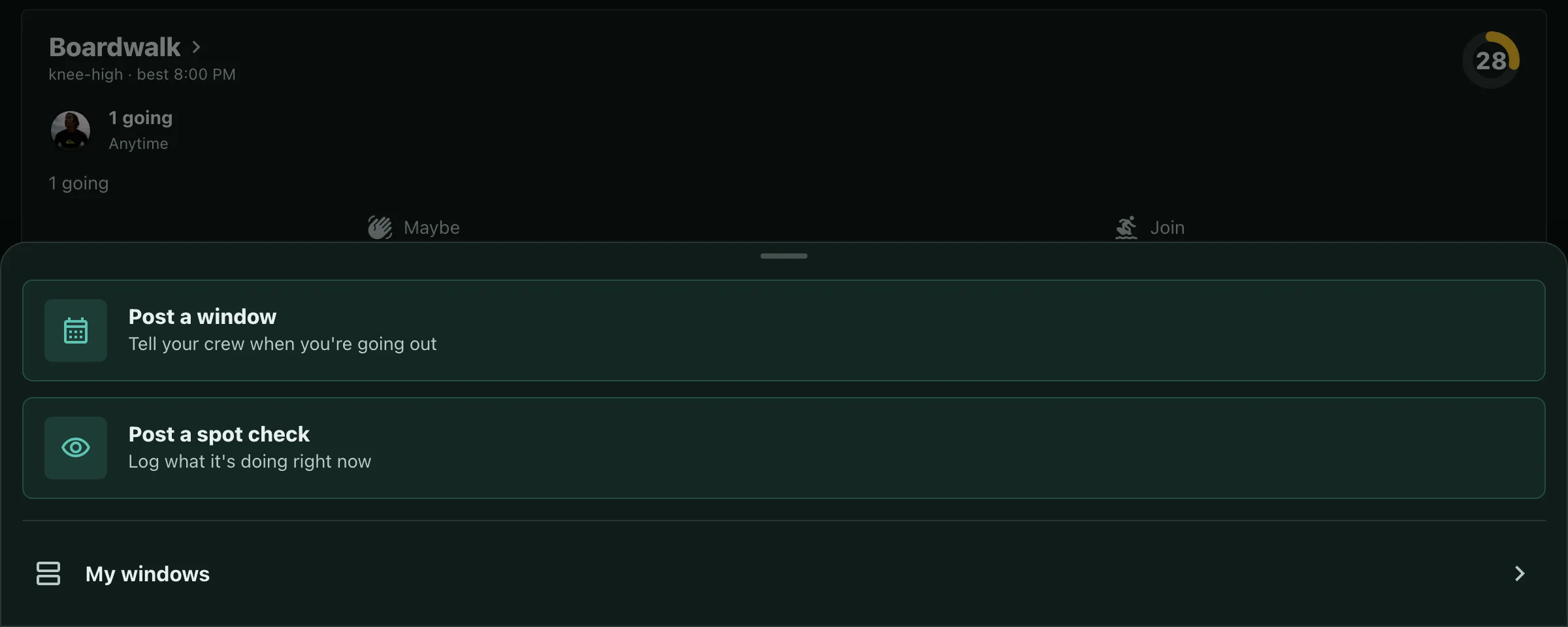
The plus button in the nav now opens both: post a window, or log a spot check. Whatever page you're on, you don't have to go find the right screen first.
Buoy Reads
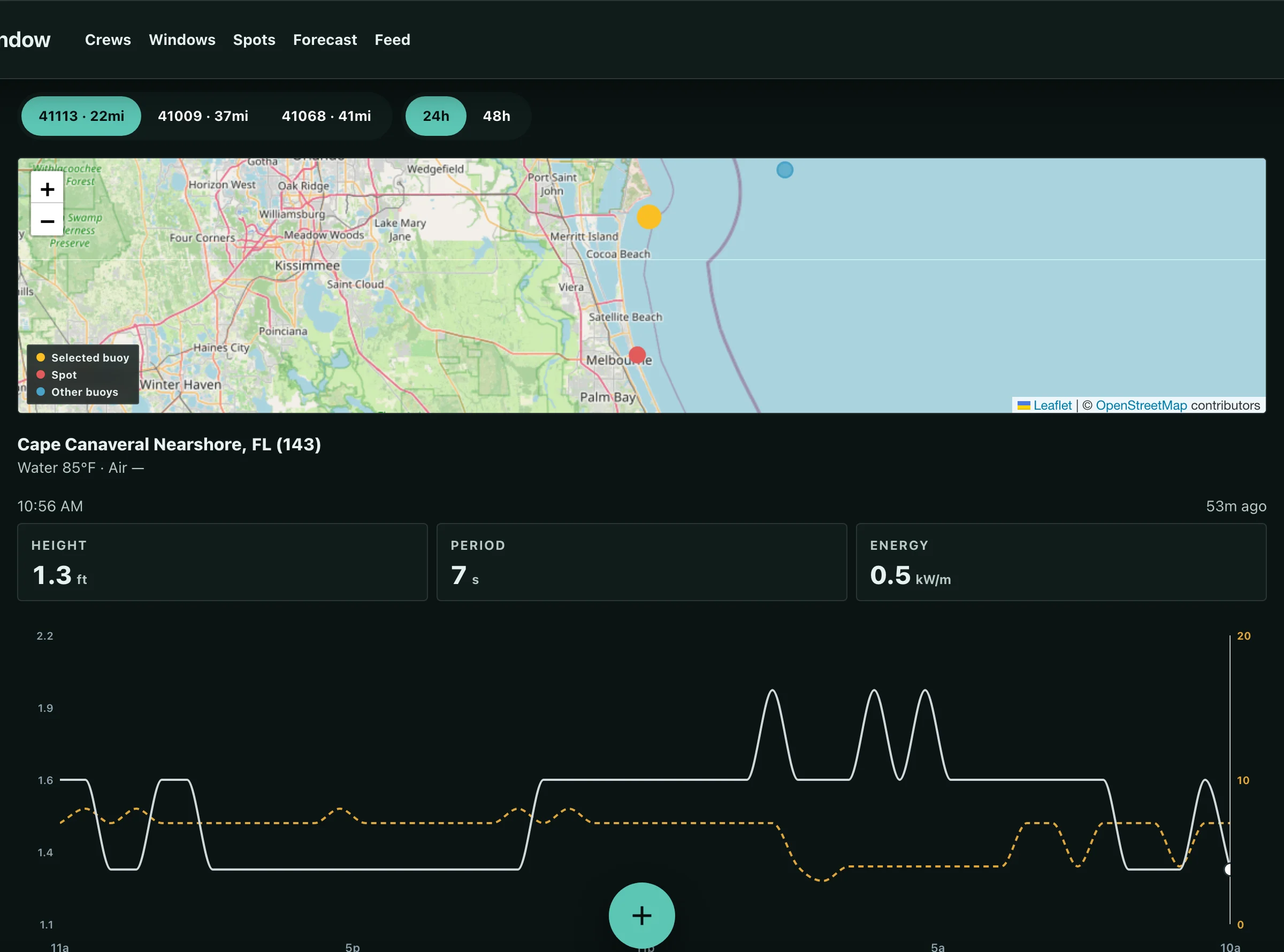
Every buoy near your spot now reports in — height, period, and energy, with a trend you can scrub back through the last two days. Nothing is picked for you: the nearest station is often the shadowed one, and the difference between two buoys is the part worth reading. Send the link and it opens on the same station and window you were looking at.
Crew Lineup
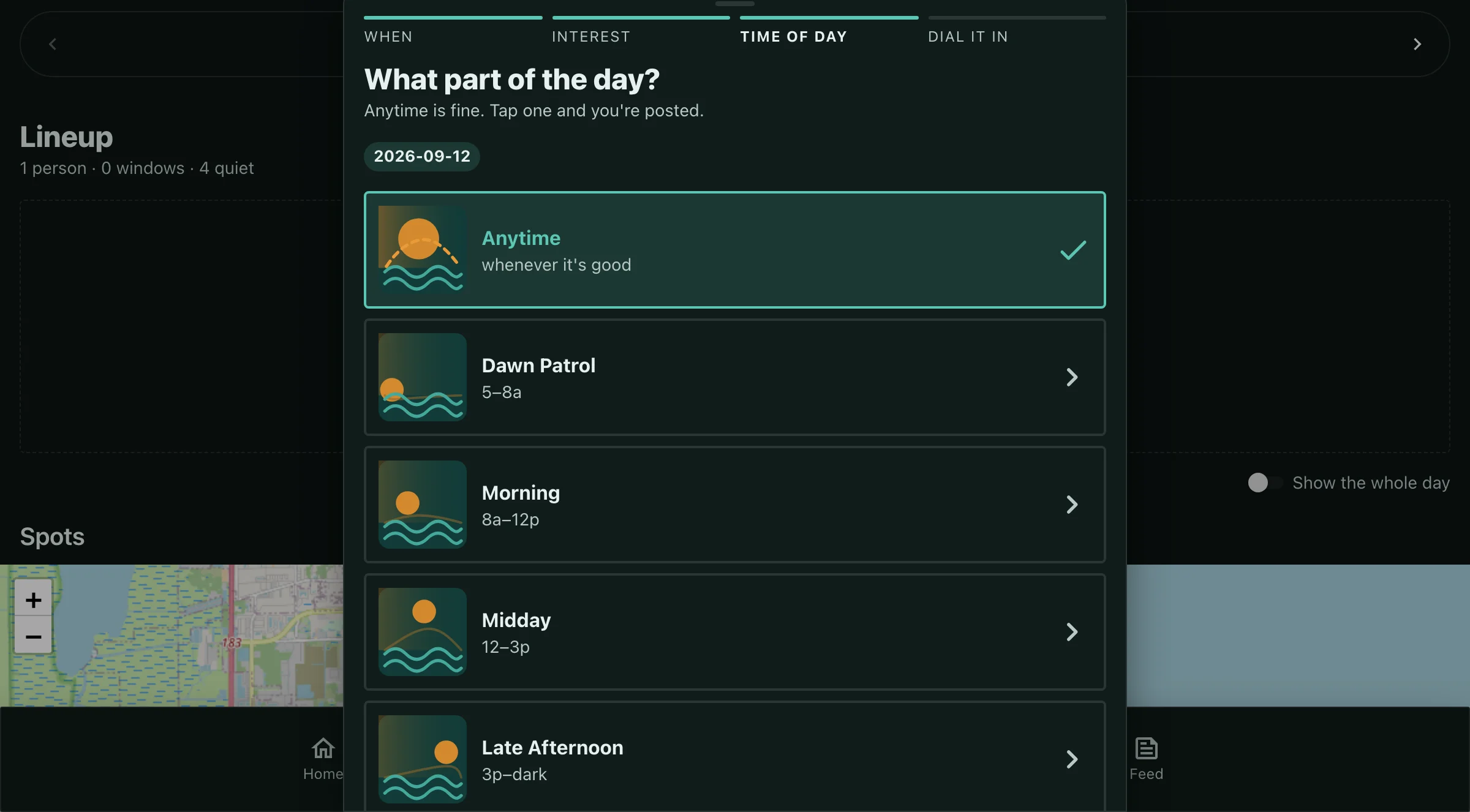
Picking a part of the day now posts you right there — no extra button, no clock time you didn't mean to commit to. Tap your level again to change or drop it, swipe to move a day, and post a window straight from an empty lineup.
1 / 4